Webhook Setup
Configure webhook endpoints to receive real-time payment notifications
สำคัญ: Webhook มีโอกาสที่จะถูกส่งซ้ำหลายครั้ง โปรดออกแบบระบบให้รองรับการส่งซ้ำเหล่านี้อย่างเหมาะสมเพื่อป้องกันการประมวลผลข้อมูลซ้ำ
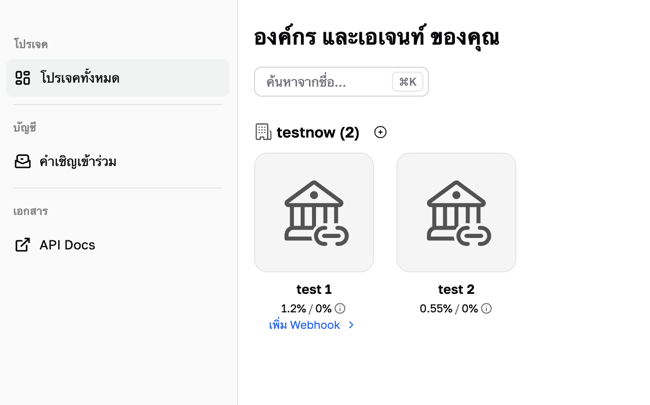
Step 1: Select Organization or Agent
Choose the appropriate webhook configuration type for your usage
Step 2: API Key & Webhook Configuration
Configure webhook URL to receive notifications (IP whitelist can be configured)
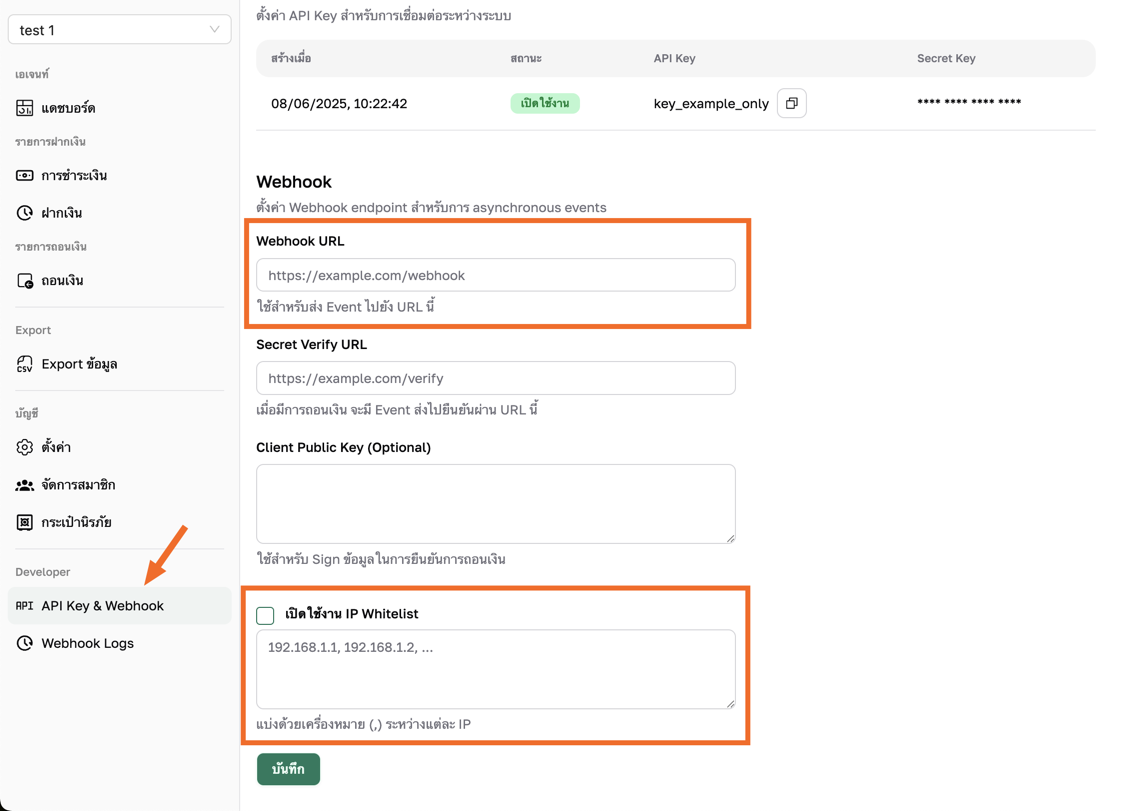
IP Whitelist for Webhook
If you use IP Whitelist in your system, please add the following IP addresses for Webhook to work correctly:
13.228.225.19
18.142.128.26
54.254.162.138
74.220.52.0/24
74.220.60.0/24
Note: Note: These IP addresses are our server IPs that will send webhook requests to your system
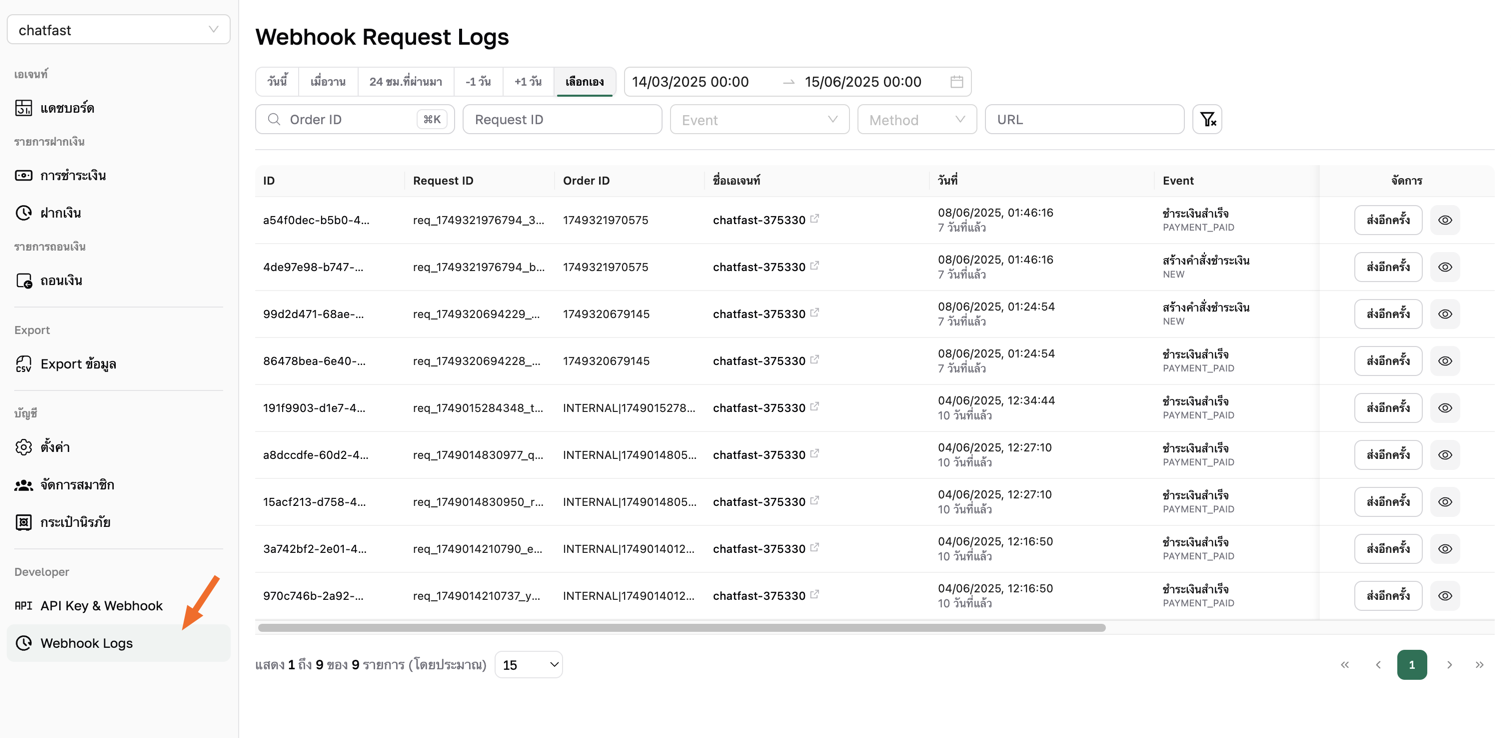
Step 3: Webhook Logs
Check all webhook sending history and can click Resend